Virtual MCP Servers
A Virtual MCP Server lets you create a customized set of MCP tools by combining functions from multiple MCP servers — all with scoped access, unified auth, and full observability.
Video: https://youtu.be/cpoKSdHpsms
Quick Guide on how to use virtual MCP Server
Why Use a Virtual MCP?
- Selective Tools: Pick only the tools you need from existing MCP servers (e.g. Airtable's
list_records, GitHub'screate_issue, etc.) - Clean Auth Handling: Add your API keys o`nly if needed. Otherwise, LangDB handles OAuth for you.
- Full Tracing: Every call is traced on the LangDB — with logs, latencies, input/output, and error metrics.
- Easy Integration: Works out of the box with Cursor, Claude, Windsurf, and more.
- Version Lock-in: Virtual MCPs are pinned to a specific server version to avoid breaking changes.
- Poisoning Safety: Prevents injection or override by malicious tool definitions from source MCPs.
How to Set It Up
- Go to your Virtual MCP server on LangDB Project.
- Select the tools you want to include.
- (Optional) Add API keys or use LangDB-managed auth.
- Click
Generate secure MCP URL.
.gif)
Install in Cursor / Windsurf / Claude
Once you have the MCP URL:
npx @langdb/mcp setup figma https://api.staging.langdb.ai/mcp/xxxxx --client cursor
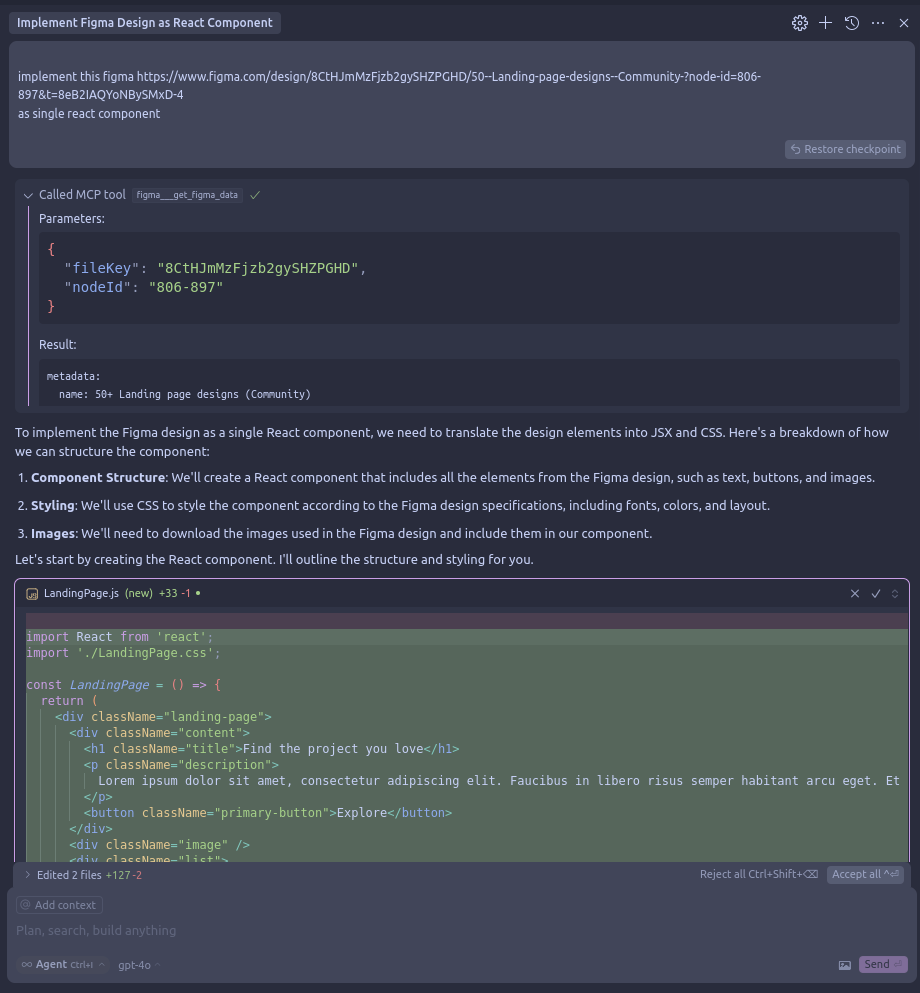
You're now ready to use your selected tools directly inside the editor.
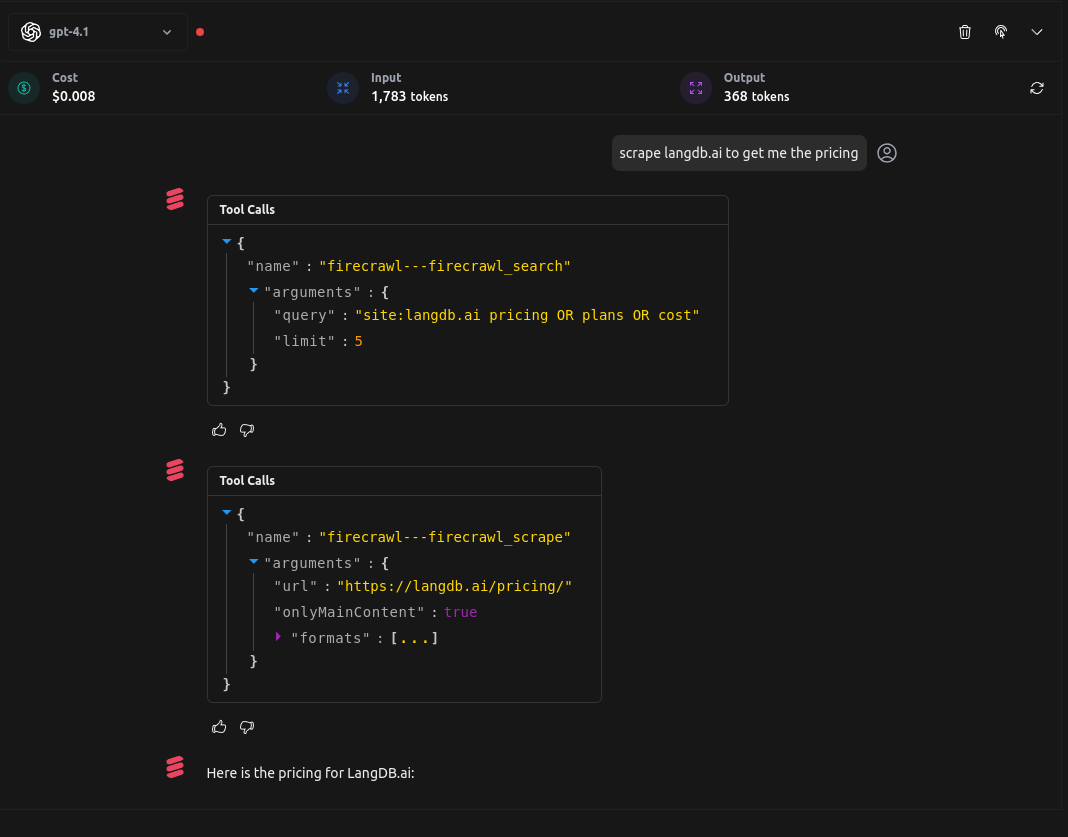
Try it in the playground
You can also try the Virtual MCP servers by adding the server in the virtual modelconfig.